
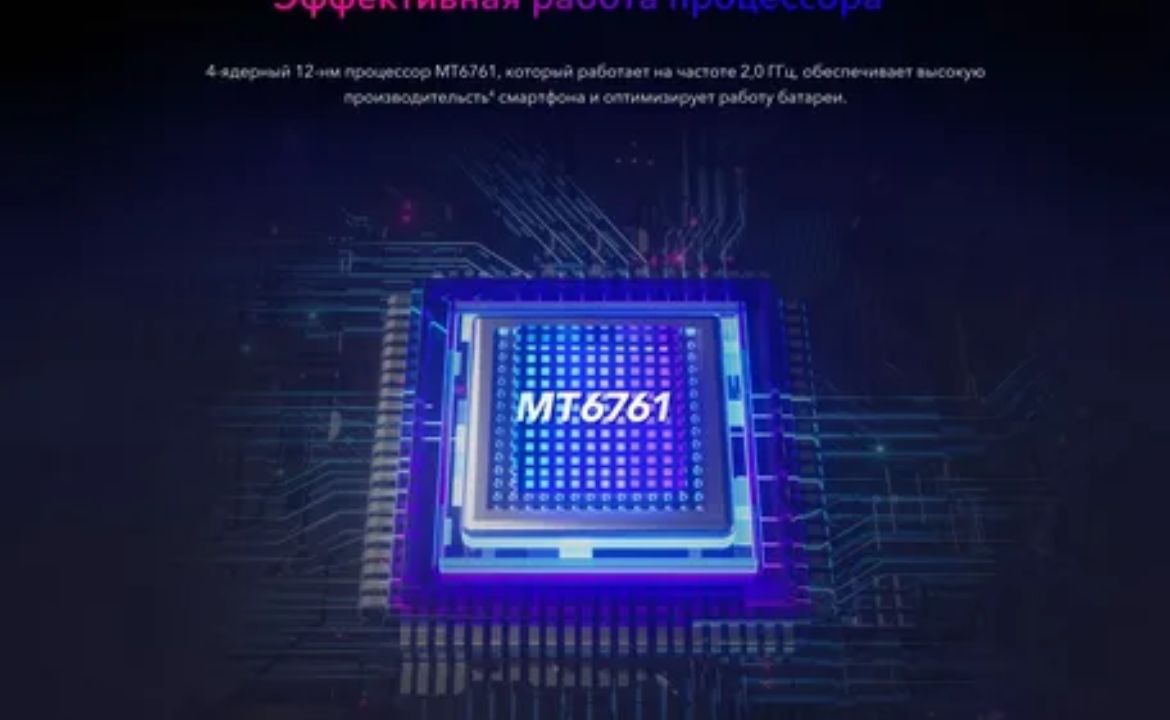
The MT6761 chipset, commonly found in budget and mid-range Android smartphones, has become increasingly popular among device manufacturers worldwide. However, users often find themselves locked out of their devices or seeking to unlock bootloaders for customization purposes. This comprehensive guide explores the mt6761 cascabelk unlock software and provides essential information for users looking to regain access to their devices.
Understanding the MT6761 Chipset
The MediaTek MT6761, also known as Helio A22, is a quad-core processor designed for entry-level smartphones. This chipset powers numerous devices across various brands, making it one of the most widespread mobile processors in the budget segment. The architecture includes ARM Cortex-A53 cores running at up to 2.0 GHz, integrated with PowerVR GE8320 GPU for graphics processing.
Devices powered by the MT6761 chipset often come with locked bootloaders and security measures that prevent unauthorized modifications. This is where specialized unlock software becomes crucial for users who need to bypass security restrictions or recover from software issues.
What is Cascabelk Unlock Software?
Cascabelk represents a category of unlock tools specifically designed to work with MediaTek chipsets, including the MT6761. The mt6761 cascabelk unlock software functions as a bridge between your computer and the locked device, utilizing specific protocols to communicate with the chipset’s secure boot mechanisms.
These tools typically work by exploiting certain vulnerabilities or using official unlocking methods provided by MediaTek for authorized service centers. The software can help users unlock FRP (Factory Reset Protection), remove screen locks, bypass Google account verification, and in some cases, unlock bootloaders for custom ROM installation.
Key Features of MT6761 Unlock Tools
Modern mt6761 cascabelk unlock software solutions offer several important features:
FRP Bypass Capabilities
Factory Reset Protection bypass is one of the most sought-after features. When users forget their Google account credentials after a factory reset, these tools can help regain access to the device without requiring the original account information.
Pattern and PIN Removal
Screen lock removal functionality allows users to bypass forgotten patterns, PINs, passwords, or fingerprint locks without losing data in most cases.
Bootloader Unlocking
Advanced versions of the software may include bootloader unlocking capabilities, enabling users to install custom recovery systems and ROMs for enhanced device customization.
Multi-Brand Support
Quality unlock software supports devices from various manufacturers using the MT6761 chipset, including brands like Xiaomi, Realme, OPPO, Vivo, Samsung, and many others.
Download and Installation Process
When seeking mt6761 cascabelk unlock software, users should prioritize official sources and reputable developers to avoid malicious software. The typical installation process involves:
System Requirements
- Windows 10 or later operating system
- Minimum 4GB RAM
- USB 2.0 or higher ports
- Administrator privileges
- Stable internet connection for driver installation
Driver Installation
Proper USB drivers are essential for the software to communicate with MT6761 devices. Most unlock software packages include automated driver installation routines that detect and install the necessary MediaTek USB drivers.
Software Setup
The installation process usually involves extracting the software package, running the installer as an administrator, and following the on-screen instructions. Some tools may require additional frameworks like .NET Framework or Visual C++ redistributables.
Step-by-Step Unlocking Guide
Using mt6761 cascabelk unlock software requires careful attention to detail and following specific procedures:
Preparation Phase
- Backup Important Data: Before attempting any unlock procedure, create a complete backup of your device data
- Charge Device: Ensure your device has at least 50% battery charge
- Enable Developer Options: Access developer settings and enable USB debugging if possible
- Download Correct Software Version: Verify compatibility with your specific device model
Connection and Recognition
- Install Drivers: Complete driver installation before connecting the device
- Connect Device: Use a high-quality USB cable to connect your MT6761 device to the computer
- Enter Download Mode: Follow specific key combinations to enter download or fastboot mode
- Software Recognition: Wait for the unlock software to detect and identify your device
Unlock Process
- Select Unlock Method: Choose the appropriate unlock method based on your requirements
- Read Device Information: Allow the software to read device details and security status
- Execute Unlock: Follow software prompts to begin the unlocking process
- Wait for Completion: Do not disconnect the device during the unlock operation
- Reboot Device: Complete the process by rebooting your device
Safety Considerations and Risks
Working with unlock software involves certain risks that users should understand:
Warranty Implications
Unlocking your device’s bootloader or using unauthorized unlock methods typically voids the manufacturer’s warranty. Consider this carefully before proceeding with any unlock operations.
Security Risks
Unlocked devices may be more vulnerable to security threats. Always install security updates promptly and avoid installing applications from unknown sources.
Brick Risk
Improper use of unlock software can result in device bricking, rendering your smartphone unusable. Always follow instructions precisely and use compatible software versions.
Legal and Ethical Considerations
Using mt6761 cascabelk unlock software should only be performed on devices you own legally. Unlocking stolen devices or bypassing security measures for illegal purposes is prohibited and may result in legal consequences. Always ensure you have legitimate ownership and valid reasons for unlocking your device.
Troubleshooting Common Issues
Users may encounter various issues when using unlock software:
Driver Problems
If the software fails to recognize your device, reinstall the USB drivers and try a different USB port. Disable antivirus software temporarily if it interferes with driver installation.
Connection Issues
Ensure your USB cable is in good condition and try different cables if connection problems persist. Some devices require specific cable types for proper communication.
Software Compatibility
Verify that you’re using the correct software version for your device model and chipset variant. Different MT6761 sub-models may require specific unlock methods.
Conclusion
The mt6761 cascabelk unlock software provides valuable solutions for users facing device access issues or seeking customization options for their MT6761-powered smartphones. While these tools offer significant benefits, users must approach unlocking procedures with proper knowledge, preparation, and understanding of associated risks.
Always prioritize legitimate software sources, follow safety guidelines, and ensure you have valid reasons for unlocking your device. With proper precautions and correct procedures, unlock software can help restore access to your MT6761 device and enable advanced customization options for enhanced user experience.