
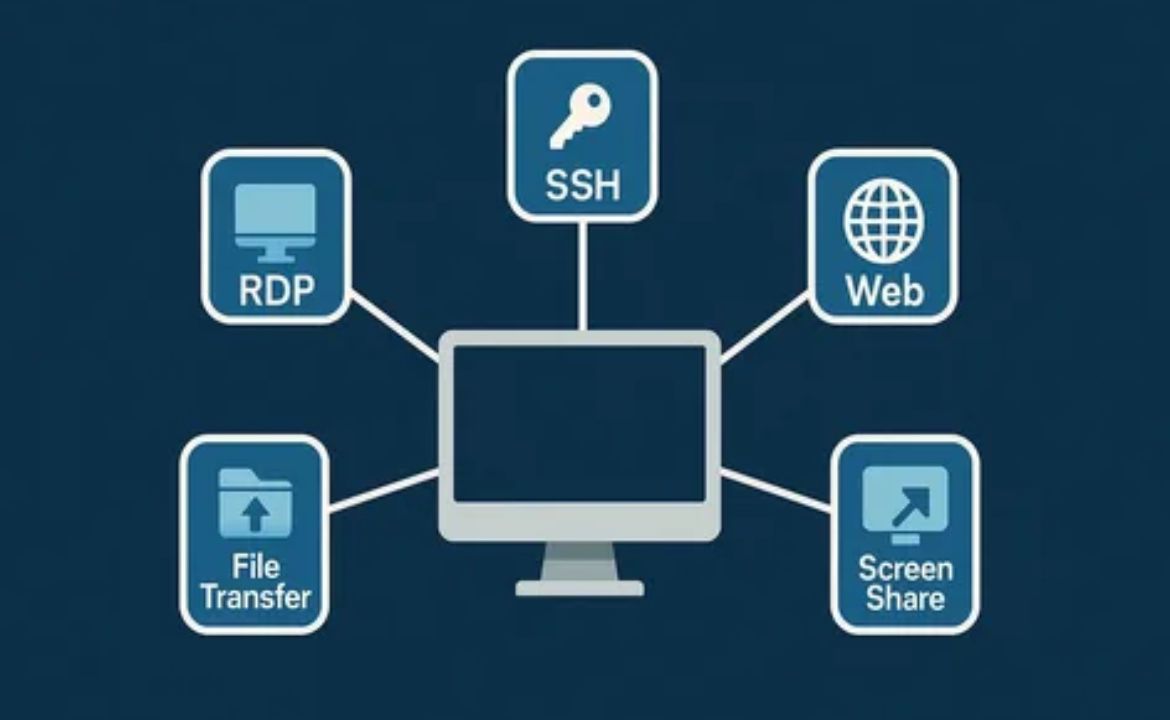
Discover how businesses can secure remote desktop access, reduce risks, and ensure reliable connections for a productive remote workforce.
Understanding Remote Desktop Access for Businesses
Remote desktop access is a technology that enables employees to connect to and control computers or servers from different locations. This can be done using various devices, such as laptops, tablets, or even smartphones, provided there is a stable internet connection. Businesses have increasingly adopted remote desktop solutions to support remote work, facilitate collaboration among distributed teams, and provide access to critical files and applications regardless of physical location.
The shift toward flexible work arrangements has made remote desktop access a core component of modern business infrastructure. Organizations no longer have to rely solely on in-office resources; instead, they can empower their workforce to stay productive from anywhere. However, embracing remote desktop technology also brings new responsibilities, particularly around security, reliability, and compliance. Understanding these aspects helps businesses make informed decisions about which remote access solutions best fit their needs.
Why Security Matters in Remote Desktop Access
Remote desktop connections, if not properly secured, can be an open door to cybercriminals seeking to exploit vulnerabilities. Sensitive business data, client information, and intellectual property are at risk if unauthorized users gain access. This is why companies must prioritize secure remote desktop access for businesses when choosing a solution. Essential security features include robust encryption protocols, strong user authentication, and continuous monitoring of access attempts.
Organizations should also stay vigilant about evolving threats in the remote work landscape. For a deeper understanding of security risks and recommended practices. This resource outlines the importance of keeping software up to date, using complex passwords, and ensuring that only trusted devices can connect to company networks.
Key Features of Safe Remote Desktop Solutions
A safe remote desktop solution is built upon several critical features. Foremost is end-to-end encryption, which ensures that data transmitted between the remote device and the company server is unreadable to outsiders. Multi-factor authentication adds an extra layer of protection by requiring users to verify their identity with two or more factors, such as a password and a unique code sent to their mobile device. Session logging is also important, as it creates an audit trail of who accessed what resources and when.
Granular permission controls are vital, allowing IT administrators to define who can access specific files, applications, or systems. This minimizes the risk of accidental or malicious data exposure. For more information on remote desktop security standards, refer to the National Institute of Standards and Technology (NIST) publication. Following such guidelines helps ensure that your remote desktop solution aligns with industry best practices and regulatory requirements.
Ensuring Reliable Connections for Business Productivity
Connection reliability is as crucial as security when it comes to remote desktop access. Unstable or slow connections can hinder productivity and frustrate employees. Businesses should seek solutions that support high-speed connections, automatic reconnections in case of network interruptions, and low latency, which is particularly important for real-time collaboration or accessing large files. These features help reduce downtime and keep operations running smoothly.
A reliable remote desktop solution should also offer compatibility with a wide range of operating systems and devices. This flexibility allows employees to use their preferred tools without worrying about connectivity issues. Additionally, solutions that provide bandwidth optimization can ensure smooth performance even over less-than-ideal internet connections. Investing in reliable infrastructure not only boosts employee satisfaction but also supports business continuity in the face of unexpected disruptions.
Training Employees on Safe Remote Access Practices
Even the most secure remote desktop solution can be compromised by human error. That’s why employee training is a fundamental component of any remote access strategy. Staff should be regularly educated on how to recognize phishing attempts, create strong passwords, and report suspicious activity. Training sessions can cover topics like safe device usage, avoiding unsecured networks, and understanding the risks associated with sharing access credentials.
Creating a culture of security awareness helps prevent common mistakes that lead to breaches. The Federal Trade Commission offers practical tips for businesses on protecting remote workers. By fostering continuous learning and vigilance, companies can significantly reduce their risk profile.
Managing Access and Monitoring Activity
Effective access management is crucial for safeguarding company resources. Businesses should implement role-based access controls, ensuring that employees only have access to the data and applications necessary for their roles. Regularly reviewing and updating permissions is important, especially when staff change roles or leave the company. This helps limit the risk of unauthorized access caused by outdated permissions.
Continuous activity monitoring enables IT teams to detect unusual or suspicious behavior quickly. Real-time alerts can notify administrators of failed login attempts, unauthorized access to sensitive files, or other potential security incidents. This proactive approach allows for swift responses to threats, minimizing potential damage. Keeping all remote desktop software and related systems updated with the latest patches is also key to closing security gaps and preventing exploitation by attackers.
Choosing the Right Remote Desktop Solution
Selecting a remote desktop solution is a strategic decision that should be based on your company’s size, security needs, and available technical resources. Look for providers with a proven track record, regular software updates, and clear support channels. It is wise to consider scalability, ensuring that the solution can accommodate future business growth without requiring frequent changes.
Testing different options with a small pilot group can help identify the best fit for your organization’s workflows and security requirements. Evaluate features such as user interface simplicity, integration with existing systems, and support for compliance standards. Consulting with IT professionals or external experts can provide valuable insights during the selection process. Remember, the right solution should not only meet current needs but also adapt to evolving business demands.
Compliance and Data Protection Considerations
Businesses must ensure compliance with data protection regulations when implementing remote desktop access. This includes adhering to frameworks such as the General Data Protection Regulation (GDPR) in Europe, the Health Insurance Portability and Accountability Act (HIPAA) in the United States, or other industry-specific rules. Failure to comply can result in hefty fines and reputational damage.
A good remote desktop solution should support compliance through features like detailed logging, robust encryption, and regular security audits. It’s essential to document all remote access activities and store logs securely for future reference. Consulting with legal or compliance experts can help you interpret complex regulations and avoid costly mistakes. For more on compliance in remote work.
Best Practices for Ongoing Remote Desktop Security
Securing remote desktop access is an ongoing process, not a one-time setup. Regularly reviewing and updating security policies to reflect new threats and changes in business operations is essential. Schedule periodic audits and vulnerability assessments to identify weaknesses in your remote access infrastructure. Encourage employees to report any issues or suspicious activity promptly.
Keep all software, including operating systems, remote desktop clients, and security tools up to date with the latest patches. Consider conducting simulated phishing exercises to test employee awareness and improve training programs. By fostering a proactive security culture and staying informed about emerging threats, businesses can maintain safe and reliable remote access for their teams.
The Role of IT Support in Remote Desktop Management
Strong IT support is vital for the ongoing success of remote desktop access in any organization. IT professionals are responsible for configuring secure connections, managing user permissions, and responding quickly to technical issues. They also play a key role in monitoring system health, applying updates, and ensuring that all endpoints comply with security policies.
Organizations should provide IT teams with the tools and resources necessary to manage remote desktop environments effectively. This includes centralized dashboards for monitoring, automated patch management systems, and access to threat intelligence feeds. Regular communication between IT staff and end users helps identify problems early and ensures that everyone understands their role in maintaining security.
Balancing Flexibility and Security in Remote Access
Modern businesses need to balance the flexibility of remote work with the need for robust security controls. Too many restrictions can hinder productivity, while too little exposes the company to unnecessary risk. The key is to tailor your remote desktop policies and tools to your specific business context. For example, sensitive departments may require stricter access controls, while others might benefit from more freedom.
Regular feedback from employees can help refine your approach, ensuring that security measures do not become roadblocks. Involving staff in policy discussions fosters greater buy-in and compliance. Ultimately, a balanced strategy helps your organization adapt to changing work patterns without sacrificing safety or efficiency.
Conclusion
Safe and reliable remote desktop access is essential for modern businesses. By prioritizing security, reliability, and employee training, companies can support remote work while protecting their data. Regular reviews and updates ensure your remote desktop strategy remains effective as technology and threats evolve.
FAQ
What is remote desktop access?
Remote desktop access allows users to control a computer or server from a different location, enabling work from anywhere with an internet connection.
How can businesses secure remote desktop access?
Businesses can use encryption, multi-factor authentication, and session monitoring, along with employee training and regular software updates, to secure remote desktop access.
Why is employee training important for remote desktop security?
Training helps employees recognize threats, use secure practices, and respond quickly to suspicious activity, reducing the risk of breaches.
What features should I look for in a remote desktop solution?
Key features include end-to-end encryption, multi-factor authentication, reliable connections, session logging, and support for compliance requirements.
How often should remote desktop security policies be reviewed?
Policies should be reviewed at least annually or whenever there are significant changes in technology, threats, or business operations.